IzzyOnDroid review — more apps, faster updates, extra trust required
Who is this for? Android users who already use F-Droid and want access to more open-source apps than the official repo provides — with faster updates and less installation friction.
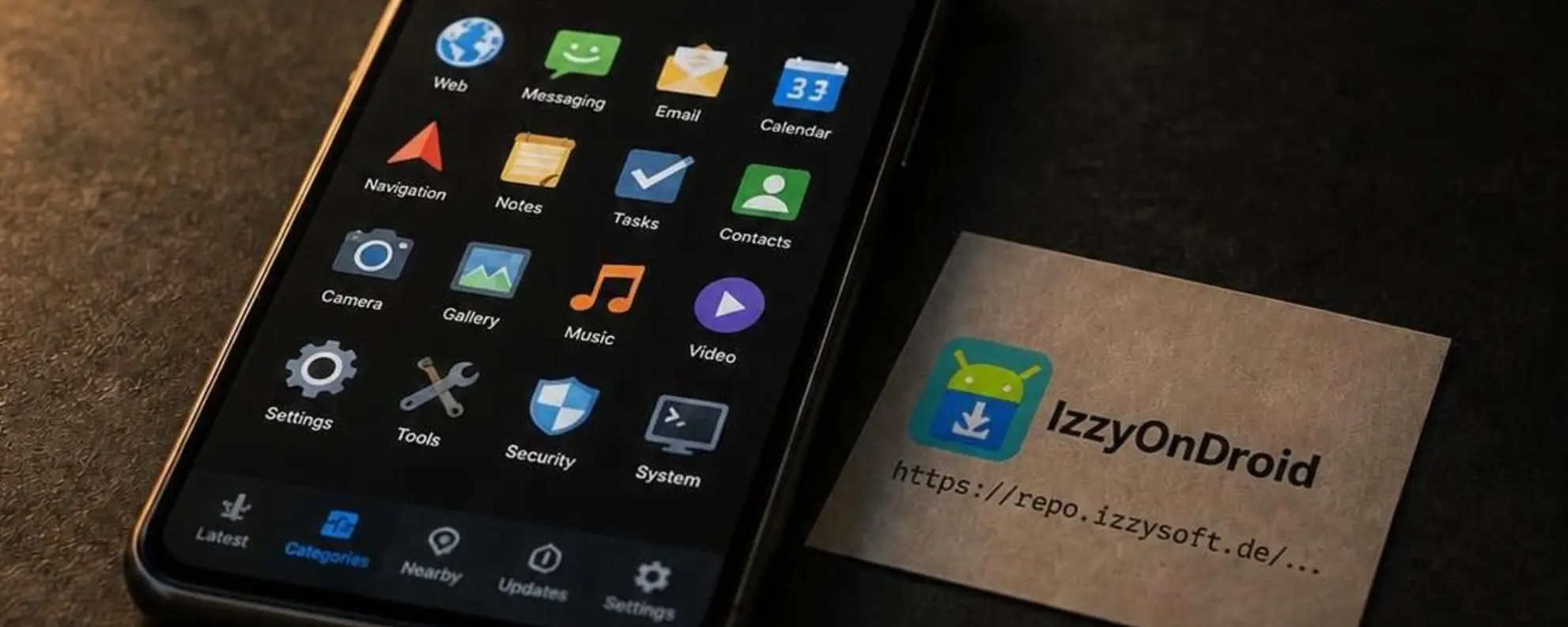
IzzyOnDroid review
Who is this for? Android users who already use F-Droid and want access to more open-source apps than the official repo provides — with faster updates and less installation friction.
IzzyOnDroid is not a separate app store. It is an additional F-Droid repository maintained by one person (Izzy, also known as IzzySoft on GitHub/Codeberg). You add the repo to your existing F-Droid client and gain access to hundreds of apps not yet included in the official F-Droid repo. The repo has its own scanning infrastructure, publishes scan results transparently, and verifies reproducible builds where possible.
The difference from the official F-Droid repo is fundamental: F-Droid rebuilds apps from source code. IzzyOnDroid distributes the original APKs from developers, after scanning. This gives more apps and faster updates, but shifts some trust from F-Droid to the individual developer.
What IzzyOnDroid does
| IzzyOnDroid | F-Droid (official) | |
|---|---|---|
| APK source | Developer-signed (original APK) | F-Droid rebuilds from source |
| Number of apps | Much more than official F-Droid | ~3,800 |
| Update speed | Fast (direct from release page) | Slower (waits for F-Droid build) |
| Reproducible builds | Verified where possible | Standard for official repo |
| Scanning | VirusTotal (60+ engines), custom tools | Own build infrastructure |
| Open-source required | Yes | Yes |
| Maintenance | One person (Izzy) | F-Droid team |
Security model
Signature verification: When an app is added, IzzyOnDroid records the developer’s signature. On every update, the signature is checked for a match. A mismatch blocks inclusion and triggers manual review.
Malware scanning: All APKs are scanned via VirusTotal (60+ detection engines). Results are categorically transparent: pending, passed, notified, warning, or alert. You can view scan results per app on the IzzyOnDroid website.
Manifest analysis: AndroidManifest.xml is checked for debug flags, cleartext traffic usage, and sensitive permissions. Sensitive permissions require a developer explanation before inclusion.
Library scanning: APKs are analysed for embedded libraries, payment modules, and advertising/analytics components.
Reproducible builds: IzzyOnDroid verifies whether apps that support it can be rebuilt identically from source code. Verified apps are marked accordingly.
What the security model does not provide: IzzyOnDroid does not rebuild apps from source code the way F-Droid does. The APK comes from the developer, not an independent build. You are also trusting the developer, not just the repo.
Version history
IzzyOnDroid keeps a maximum of 3 versions per app. Older versions are purged automatically. This differs from the official F-Droid repo, which maintains more extensive version histories. For downgrade options to a specific older version, the official F-Droid repo is more reliable.
Typical use case
IzzyOnDroid is most useful for apps that:
- Are not yet accepted into the official F-Droid repo (long acceptance queue)
- Want to update faster than the F-Droid build cycle allows
- Are released on GitHub or Codeberg but not actively submitted to F-Droid
Examples of apps that are available faster via IzzyOnDroid: Obtainium itself, certain communication apps, and recent open-source utilities.
Caveats
Single maintainer: The repo is maintained by one person. If Izzy stops, the repo goes away. That is a different risk profile from the official F-Droid organisation — though the official repo also has a small core group.
Developer-signed, not F-Droid-built: Trust in the APK partly rests on the developer. With the official F-Droid repo, that dependency is looser because F-Droid itself compiles from source.
Manual updates for untagged releases: Apps without standardised release tags are updated less frequently. Automatic checking only works with well-structured release workflows.
Pros and cons
Pros
- Much larger selection than the official F-Droid repo
- Faster updates — apps don’t wait for F-Droid’s build cycle
- Transparent scan results per app — publicly visible
- Works seamlessly inside the existing F-Droid client
- Free, no account required
- NLnet-funded project — not commercially driven
Cons
- No F-Droid-rebuilt APKs — trust also rests on the developer
- Single maintainer — higher dependency on one person than a team
- Maximum 3 versions per app — fewer downgrade options
- Not all apps are updated automatically
Getting started
Add the repo via F-Droid:
- Open F-Droid → Settings → Repositories →
+ - Enter:
https://apt.izzysoft.de/fdroid/repo - Fingerprint (optional but recommended):
3BF0D6ABFEAE2F401707B6D966BE743BF0EEE49C2561B9BA39073711F628937A - Save — IzzyOnDroid apps now appear in search results
Alternative via QR code:
Go to apt.izzysoft.de/fdroid → “Add to F-Droid” — scan the QR code with your F-Droid client.
After adding:
Search by app name in F-Droid. Apps from IzzyOnDroid are labelled with the repo name on the detail page. If in doubt, check scan results via the IzzyOnDroid website before installing.
Conclusion
IzzyOnDroid is the logical complement to the official F-Droid repo for anyone who wants more open-source apps without switching to Aurora Store or Play Store. The scanning infrastructure and signature verification are well documented. The central risk is that the repo depends on one maintainer and that APKs are developer-signed rather than rebuilt — this requires more trust in the individual developer than the official F-Droid repo does. For most users who consciously choose FOSS apps, that is an acceptable tradeoff.
Next step
Added IzzyOnDroid?
- F-Droid review — the official repo as a foundation, including security model and setup
- Obtainium review — fetch apps directly from developers without a central repo
Want to look further?
- Aurora Store review — Google Play apps without a Google account