F-Droid review — the open-source app store for Android
Who is this for? Android users who want to make deliberate choices about which app sources they trust. F-Droid is not a direct replacement for Google Play, but a complement or alternative for anyone who values open-source apps and transparent distribution.
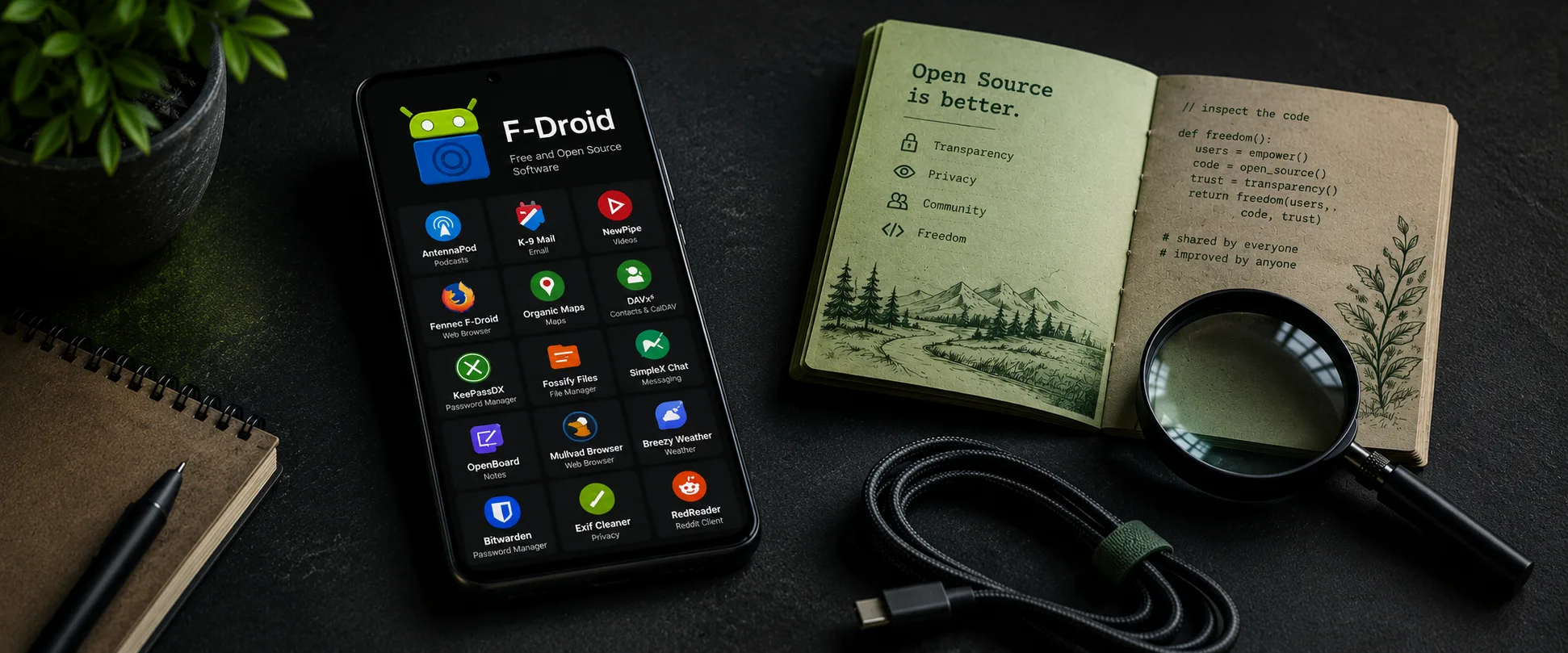
F-Droid review
Who is this for? Android users who want to make deliberate choices about which app sources they trust. F-Droid is not a direct replacement for Google Play, but a complement or alternative for anyone who values open-source apps and transparent distribution.
F-Droid has existed since 2010 and is a volunteer project. There is no company behind it profiting from your usage data. The app store offers only free and open-source software (FOSS) — no commercial apps, no ads, no hidden code.
What makes F-Droid different
The fundamental difference from Google Play: F-Droid does not blindly trust the app developer. Rather than distributing the developer’s APK directly, F-Droid rebuilds apps from source code itself.
| F-Droid | Google Play | Aurora Store | Obtainium | |
|---|---|---|---|---|
| Open-source only | Yes | No | No | Optional |
| Rebuilds apps from source | Yes | No | No | No |
| Tracker scan | Yes — publicly visible | No | No | No |
| Google account required | No | Yes | No (anonymous Play account) | No |
| Reproducible builds | Partial — actively expanding | No | No | Depends on source |
| Update speed | Slower | Fast | Fast (Play mirror) | Fast (direct from GitHub/etc.) |
| App selection | ~3,800 (official) + repos | Millions | Millions (Play mirror) | Unlimited (GitHub, GitLab, etc.) |
Aurora Store is an anonymous Google Play client — you get the same apps as from Play without signing in with your Google account. The security model differs from F-Droid: Aurora distributes whatever Play distributes, including closed-source apps.
Obtainium fetches apps directly from GitHub, GitLab, or the developer’s own download page. Fast updates, but no central review or tracker scan.
The security model
F-Droid’s core promise is that every app’s source code is public and verifiable. This closes a specific attack vector: a malicious update slipped in by a developer that is invisible in the code. If it is in the source, the community can see it.
Where the model is strong:
- Tracker scanning is automated and the result is publicly listed per app. You can see which tracking libraries are present.
- No developer signing keys distributed — F-Droid signs with its own keys.
- App verification is possible through Reproducible Builds: F-Droid’s build and the developer’s build must match byte for byte. F-Droid is actively expanding this, but not all apps in the official repo are reproducible yet.
Where the model is weaker than Play:
- F-Droid’s signing keys are a trust point. If F-Droid’s key infrastructure were compromised, you trusted something you should not have. Google’s Play infrastructure is larger but not immune either.
- F-Droid builds apps centrally, which creates a bottleneck. Apps arrive later than on Play.
- The volunteer infrastructure is thinner than Google’s. Occasional downtime and build delays do happen.
Update lag: the practical trade-off
F-Droid builds apps from source, and that takes time. In practice, updates from F-Droid can arrive days or weeks after the Play Store version. For security updates, that is a real disadvantage.
How to reduce this:
- Use Obtainium for apps where update speed is critical and you trust the developer directly.
- Add IzzyOnDroid as an extra repo — it distributes apps closer to the developer’s release cycle.
- Accept that for most privacy apps, F-Droid is fast enough. Signal-fork Molly, Aegis, Organic Maps, and OsmAnd are not as time-critical as a banking app.
Google’s upcoming policy
Google has announced that certified Android devices will verify more strictly whether app developers are registered. The initial rollout in September 2026 applies only to Brazil, Indonesia, Singapore, and Thailand — broader rollout is announced but not yet confirmed.
What this means for F-Droid depends on how Google enforces it in practice. F-Droid builds and signs apps with its own keys — not the original developer’s. That makes F-Droid different from regular sideloading and different from Play distribution.
On GrapheneOS, this policy has less impact: GrapheneOS has its own app compatibility model and is not bound by Google’s certified-Android requirements. On stock Android, this falls within Google’s own enforcement domain.
Follow current developments at keepandroidopen.org.
Getting started
Installing F-Droid
F-Droid is not available on Google Play. You install it as an APK:
- On your Android phone, go to f-droid.org
- Download the APK
- Open the file — Android will ask for confirmation to install from an unknown source
- Install F-Droid
On GrapheneOS, sideloading is allowed by default. On stock Android, go to Settings → Apps → Special app access → Install unknown apps and grant permission to your browser.
Optional: verify the APK hash
F-Droid publishes the SHA-256 hash of the APK on f-droid.org. Compare it with your download:
sha256sum fdroid.apkUseful extra repositories
In F-Droid, go to Settings → Repositories → +:
- IzzyOnDroid — more apps, faster updates, well-maintained:
https://apt.izzysoft.de/fdroid/repo - Molly — if you want to use the Signal fork Molly:
https://molly.im/fdroid/repo - Guardian Project — Tor Browser for Android and related tools:
https://guardianproject.info/fdroid/repo
What to install first
- Aegis Authenticator — 2FA codes, encrypted local backup
- Molly — hardened Signal fork, no Google services required
- Organic Maps — offline navigation without an account
- KeePassDX — local password manager in KeePass format
- NetGuard — no-root firewall, blocks internet access per app
Caveats
Popular apps are not there. Instagram, TikTok, banking apps, and most commercial apps are not open-source and therefore not available through F-Droid.
Apps requiring Google Play Services. Apps that depend on Firebase Push Notifications or other Google services will not work or will be limited without sandboxed Google Play. On GrapheneOS you can run sandboxed Google Play separately.
Less polished UX. F-Droid is functional but less streamlined than the Play Store. Search is less intuitive, app pages are more technical in tone.
Updates arrive later. See the update lag section above. This is a real disadvantage for security-sensitive software.
Google’s upcoming sideloading policy. On stock Android, future enforcement may add friction for F-Droid installs. On GrapheneOS this is not a concern.
Pros and cons
Pros
- Open-source apps only — no hidden code, no closed trackers
- Tracker scan per app is publicly visible
- No Google account needed
- F-Droid rebuilds apps from source — less trust required in the developer
- Active Reproducible Builds programme
- Free, no commercial business model
Cons
- Fewer apps than the Play Store — commercial apps are completely absent
- Updates arrive later than Play or Obtainium
- Volunteer infrastructure — occasional downtime and build delays
- Google’s upcoming sideloading policy may add friction on stock Android
- Less polished UX than the Play Store
Conclusion
F-Droid is the most transparent way to install apps on Android. The combination of open-source requirement, tracker scanning, and its own build infrastructure closes an attack vector that the Play Store leaves open.
The trade-off is real: fewer apps, slower updates, and not the best choice if you need banking or government apps to stay frictionless. For a privacy-conscious baseline — 2FA, password manager, maps, messaging — you can get everything you need here.
Choose F-Droid if you want to deliberately install open-source apps and accept that it takes some active management. Use it alongside Play or sandboxed Google Play rather than as a full replacement.
Next step
If you chose F-Droid
- F-Droid guide — setting up repositories, recommended apps, and what to expect
Similar options
- Aurora Store review — download Play apps without a Google account
- Obtainium review — apps directly from the developer, faster than F-Droid
- Aegis Authenticator review — the recommended 2FA app, available via F-Droid
- Signal and Molly review — Molly as a hardened Signal fork, via the Molly F-Droid repo
Go further
- Android privacy without a custom ROM — broader baseline settings for stock Android users
- GrapheneOS first setup — F-Droid on GrapheneOS, sandboxed Google Play and app isolation