GL.iNet Slate 7 Pro (GL-BE10000) review
Who is this for? Travellers and home users who want maximum Wi-Fi 7 performance in a travel router — including the 6 GHz band — and are willing to pay more than for the Slate 7 or Beryl 7.
GL.iNet Slate 7 Pro (GL-BE10000) review
Who is this for? Travellers and home users who want maximum Wi-Fi 7 performance in a travel router — including the 6 GHz band — and are willing to pay more than for the Slate 7 or Beryl 7.
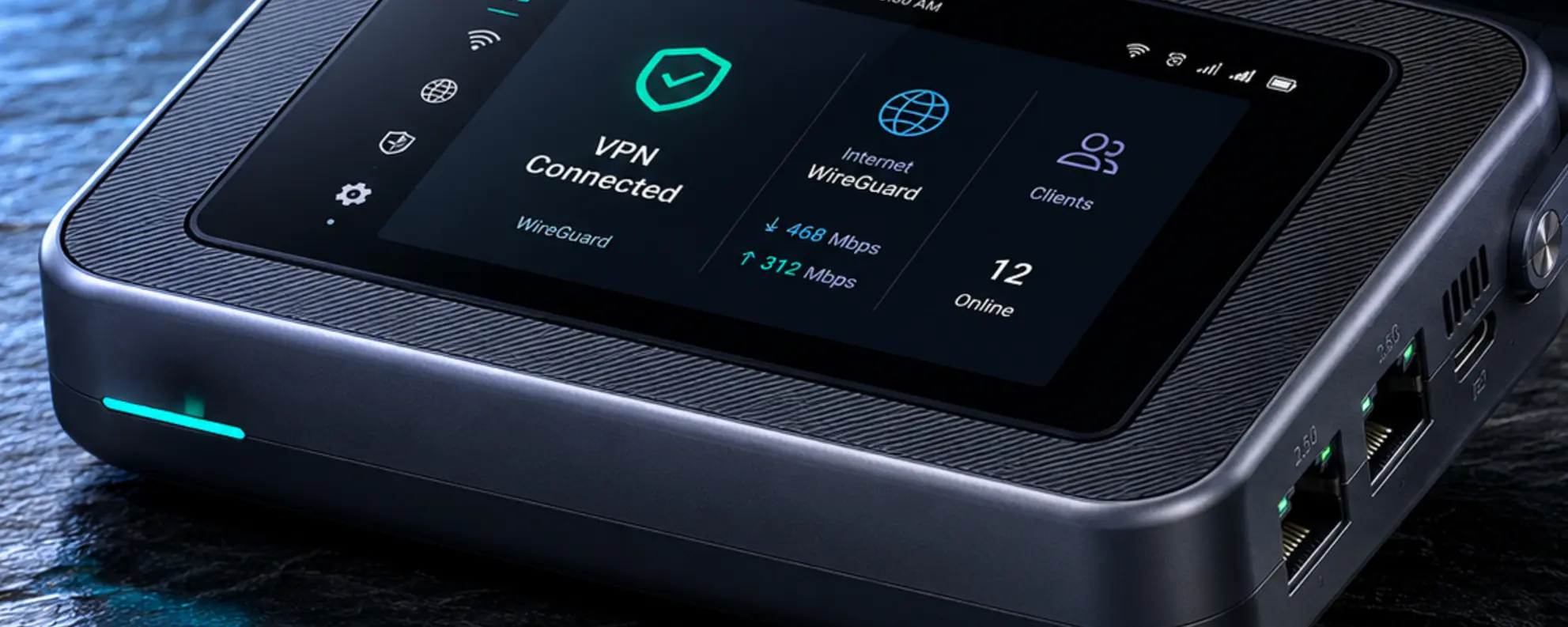
The Slate 7 Pro is the flagship in GL.iNet’s 2026 travel router lineup. Compared to the Slate 7, it adds the 6 GHz band (tri-band instead of dual-band), a faster processor, and higher WireGuard throughput. The touchscreen, two configurable 2.5G ports, and OpenWrt foundation are the same as on the Slate 7. The price premium is significant: around €246 versus around €170 for the Slate 7.
Specifications
| Spec | Value |
|---|---|
| CPU | MediaTek quad-core @2.0 GHz |
| RAM | 1 GB DDR4 |
| Storage | 512 MB NAND |
| Wi-Fi | Wi-Fi 7 tri-band (BE10000): 688 Mbps (2.4 GHz) + 2,882 Mbps (5 GHz) + 5,764 Mbps (6 GHz) |
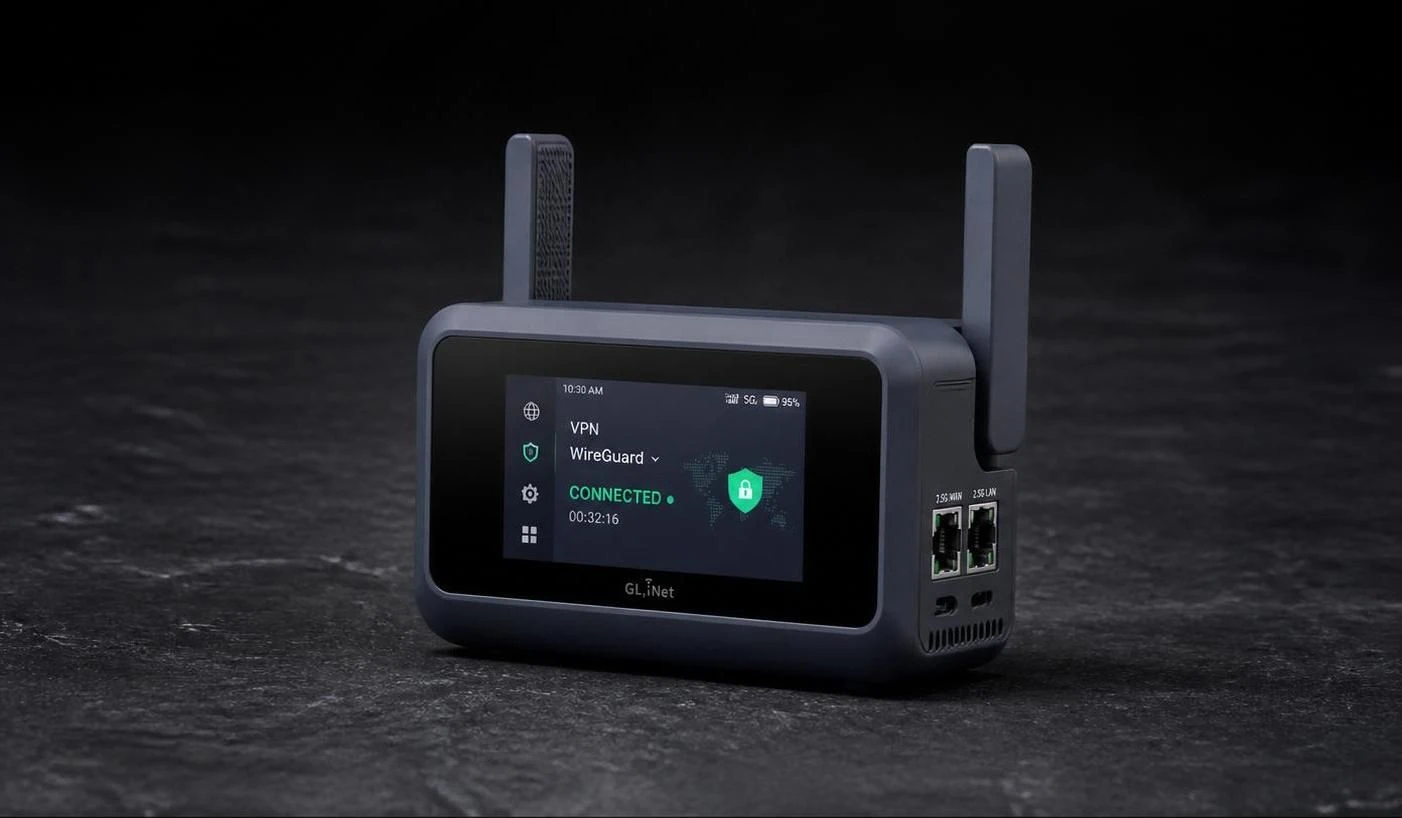
| Ethernet | 2× 2.5G (both configurable as WAN or LAN; default 1× WAN, 1× LAN) |
| USB | 1× USB 3.0 Type-C data |
| Touchscreen | Yes — 2.8” colour LCD |
| OS | OpenWrt |
| DPI | Yes (Deep Packet Inspection built in) |
| Power | USB-C PD (5V/3A, 9V/3A, 12V/2.5A), no battery |
| Dimensions | 130 × 91 × 36 mm, 328 g |
| Price | around €246 (check current price) |
WireGuard performance
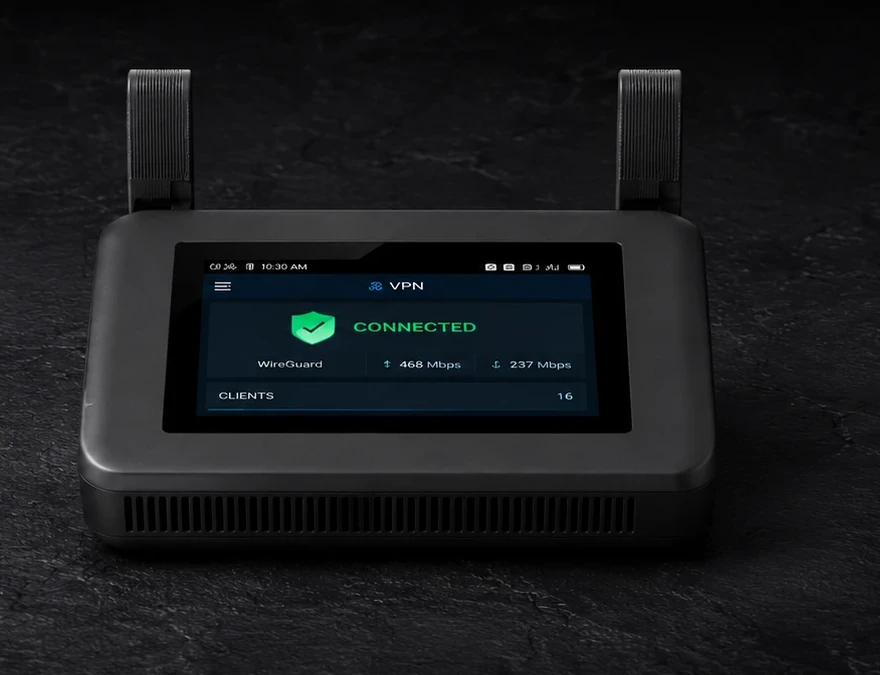
GL.iNet specifies WireGuard throughput up to 1,100 Mbps and OpenVPN-DCO up to 1,000 Mbps. That matches the Beryl 7 and is more than double the Slate 7 (~490 Mbps) — despite the Slate 7 Pro and Beryl 7 sharing the same processor speed. The Slate 7 Pro has more RAM (1 GB vs 512 MB), which provides headroom for more concurrent services.
Slate 7 Pro vs Slate 7
| Slate 7 (BE3600) | Slate 7 Pro (BE10000) | |
|---|---|---|
| Wi-Fi | Dual-band Wi-Fi 7 | Tri-band Wi-Fi 7 (+ 6 GHz) |
| CPU | Qualcomm quad-core 1.1 GHz | MediaTek quad-core 2.0 GHz |
| RAM | 1 GB | 1 GB |
| WireGuard | ~490 Mbps | ~1,100 Mbps |
| Ethernet | 2× 2.5G configurable | 2× 2.5G configurable |
| Touchscreen | Yes | Yes |
| DPI | Yes | Yes |
| Price | around €170 | around €246 |
The Slate 7 Pro adds the 6 GHz band and roughly doubles WireGuard throughput. If your devices don’t support 6 GHz, or you mainly use the router as a VPN tunnel on existing connections, the practical difference is limited.
Slate 7 Pro vs Beryl 7
| Beryl 7 (MT3600BE) | Slate 7 Pro (BE10000) | |
|---|---|---|
| Wi-Fi | Dual-band Wi-Fi 7 | Tri-band Wi-Fi 7 (+ 6 GHz) |
| RAM | 512 MB | 1 GB |
| WireGuard | ~1,100 Mbps | ~1,100 Mbps |
| Ethernet | 2× 2.5G configurable | 2× 2.5G configurable |
| Touchscreen | No | Yes |
| Price | around €130–140 | around €246 |
VPN throughput is identical. Both routers have two 2.5G ports that can each be set to WAN or LAN (default 1× WAN, 1× LAN); dual-WAN failover is possible on both via manual reconfiguration. The Slate 7 Pro has more RAM, a touchscreen, and the 6 GHz band. The Beryl 7 costs significantly less.
OpenWrt and web interface
The Slate 7 Pro runs the same GL.iNet firmware as the rest of the range:
- WireGuard and OpenVPN client (30+ built-in VPN providers)
- DNS-over-TLS and DNS-over-HTTPS
- AdGuard Home as a built-in DNS ad-blocker
- Captive portal mode for hotel Wi-Fi
- Repeater mode: share a secure connection across all your devices
- Per-device VPN policy and kill switch
- Dual-WAN failover (both ports configurable)
- Deep Packet Inspection (DPI)
Caveats
Price: The Slate 7 Pro costs around €246 — significantly more than the Beryl 7 (€135) and Slate 7 (€170). For most travellers, the Beryl 7 offers identical VPN throughput at a much lower price.
6 GHz requires Wi-Fi 7 devices: The extra band is only useful if your devices have Wi-Fi 7 with a 6 GHz radio. Older laptops and phones don’t benefit.
No battery: The Slate 7 Pro has no built-in battery. For use without a power outlet you need a power bank. The Mudi 7 is the GL.iNet option with a battery.
328 grams: Heavier than the Beryl 7 (205 g) and the Slate 7 — relevant if weight matters in carry-on luggage.
Pros and cons
Pros
- Tri-band Wi-Fi 7 including 6 GHz — the most capable Wi-Fi in GL.iNet’s travel router lineup
- WireGuard up to 1,100 Mbps — no VPN bottleneck on fast connections
- Two fully configurable 2.5G ports — dual-WAN failover possible
- Touchscreen for direct VPN status and network information
- 1 GB RAM — more headroom for concurrent services than the Beryl 7
- DPI built in
- OpenVPN-DCO up to 1,000 Mbps
Cons
- Most expensive travel router in GL.iNet’s lineup
- 6 GHz benefit limited to devices with Wi-Fi 7 radio
- No built-in battery
- Heavier than the Beryl 7 and Slate 7
Getting started
- Connect the Slate 7 Pro to a power outlet via USB-C PD
- Connect your laptop or phone to its Wi-Fi network or LAN port
- Open the web interface at
192.168.8.1 - Follow the setup wizard: internet connection (WAN/repeater), set Wi-Fi name and password
- Set up WireGuard via VPN → WireGuard Client → add your VPN provider
- Enable the kill switch so traffic stops if the VPN connection drops
- Optional: enable DNS-over-TLS or AdGuard Home for network-wide DNS filtering
The touchscreen shows live VPN status and connection speed after setup without opening a browser.
Conclusion
The Slate 7 Pro is GL.iNet’s most capable travel router in 2026. The tri-band Wi-Fi 7 and higher WireGuard throughput compared to the Slate 7 are technically impressive. Whether that justifies the premium depends on your situation: if you have Wi-Fi 7 devices and regularly work on fast connections, the use case is clear. If you primarily use a travel router as a VPN tunnel on typical hotel networks, the Beryl 7 delivers the same VPN performance for less money.
Next step
Chosen the Slate 7 Pro?
- Set up a GL.iNet travel router — step by step: WireGuard, DNS-over-TLS, and AdGuard Home
Similar options
- GL.iNet Beryl 7 review — identical VPN throughput, lower weight, lower price — without touchscreen and 6 GHz
- GL.iNet Slate 7 review — dual-band predecessor, lower price
- GL.iNet Mudi 7 review — battery, 5G and eSIM for use without a fixed power supply
Want to go further?
- Which network setup fits your profile? — how much router do you actually need?